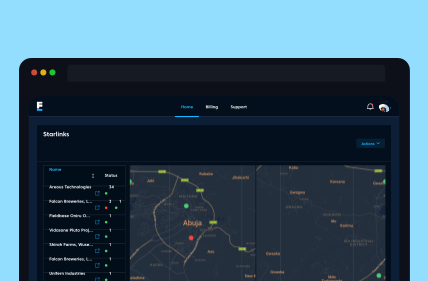
Manage Multiple Starlink Kits
Activate and monitor, configure routers, and control your entire network remotely. No site visits just instant control wherever you are.
Fieldbase Starlink Portal
Fieldbase Starlink Portal helps you stay in control with real time monitoring, streamlined management tools, and a clear overview of your entire network.
Trusted by Global Brands, Startups, Public Enterprises








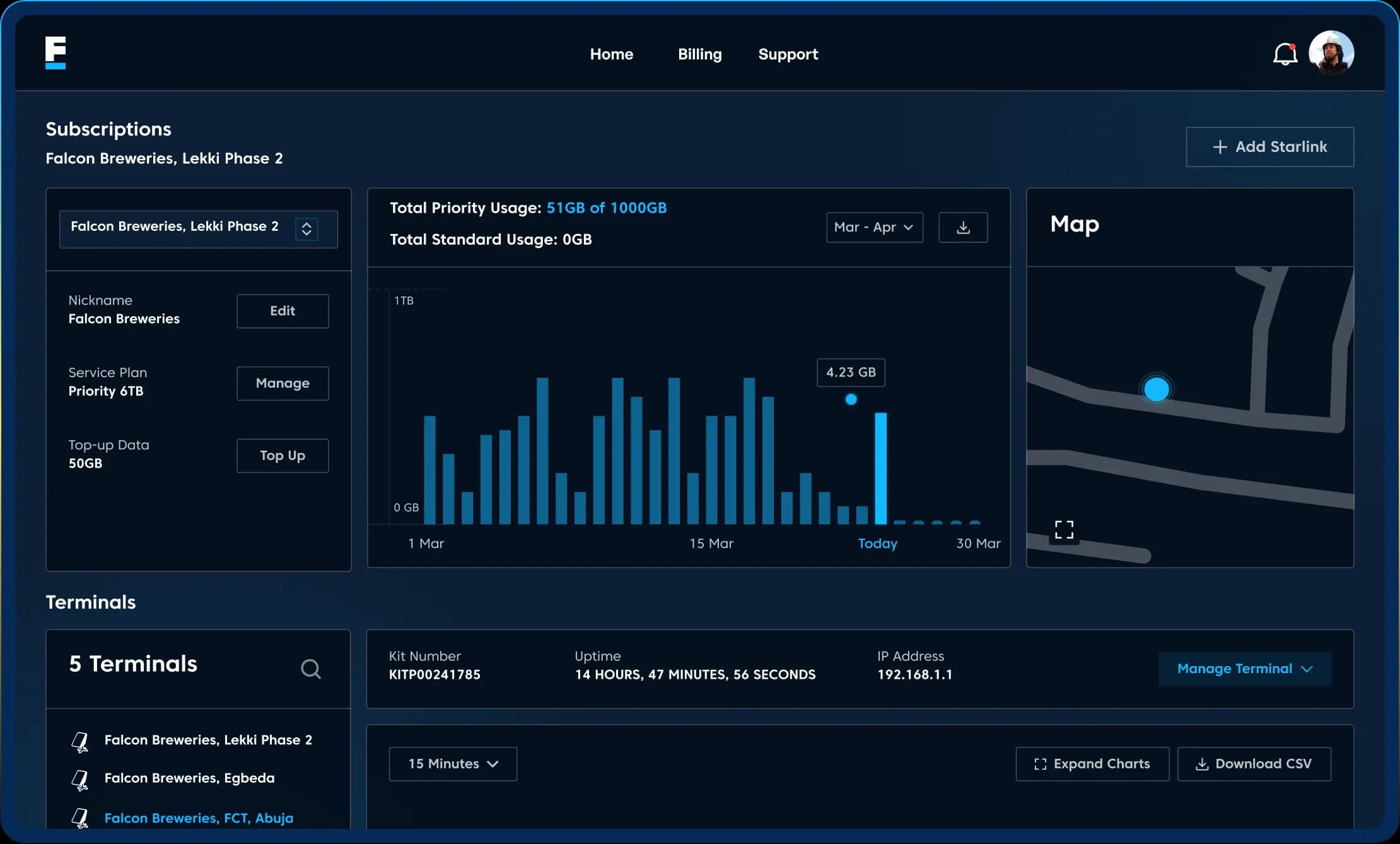
Monitor devices, get alerts, configure routers, assign team access, and handle billing all from a single powerful portal.
Activate and monitor, configure routers, and control your entire network remotely. No site visits just instant control wherever you are.
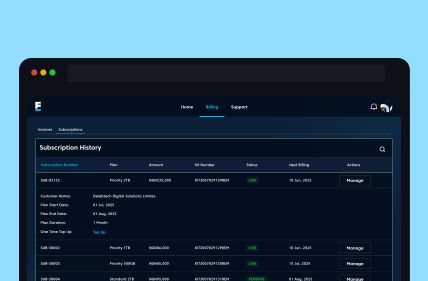
Track data usage, manage subscriptions, and handle billing with ease. Get full visibility into without switching between systems.
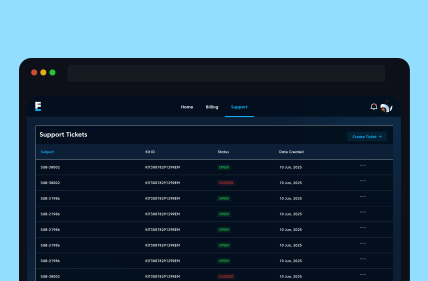
Get real-time alerts for internet downtime, and resolve issues quickly with our in-built support system.
The Fieldbase Portal is available to all enterprise, maritime, and infrastructure customers. Access levels can be customized based on your role from account administrators to technical managers.
Find answers below to key questions asked about the portal. Want to know more?
Get in touch with one of our experts.
You can access the Fieldbase Starlink Portal via your web browser using your login credentials. Try Now.
No, the portal is designed to support multi-site and large-scale deployments. You can monitor and manage multiple Starlink devices across different locations from a single account.
To get started, you'll need an active Fieldbase account and a Starlink deployment. Once onboarded, you’ll receive access to the portal, where you can begin adding devices, configuring settings, and monitoring your network.
Yes. The portal includes billing and subscription management features, allowing you to view your plans, track usage, and manage payments, all in one place.
Yes. The portal provides real-time visibility into your network performance, including connectivity status, uptime, latency, and data usage, so you can quickly identify and respond to issues.